Free legal AI earns its place on routine work, until a client file is involved. Here’s what the free tools do, and where you’ll need a private setup.
Free legal AI tools use artificial intelligence (AI) to automate everyday legal tasks at no cost, a useful on-ramp for low-sensitivity work. The questions that matter are which tasks they can handle, which free tools fit, where ‘free’ becomes a confidentiality problem, and how to keep that productivity once a client file is involved. This guide covers all four. For client-sensitive work, firms can start with our overview of private, self-hosted AI for law firms.
What legal work can free AI tools automate?
Free tools are best for non-confidential, repeatable tasks. Each workflow below saves real time, as long as a lawyer reviews the output and no privileged detail goes into the prompt.
First-draft writing. Free assistants turn a short instruction into a usable first draft of a client letter, an internal memo, or a plain-language explanation of a legal concept. They handle structure and tone well, so the lawyer edits instead of starting from a blank page. Keep the facts generic, since names, figures, and specifics belong in the edit, not the prompt.
Summarizing public material. Paste in a statute, a published opinion, or an article and the tool returns the gist, the holding, or a bullet summary in seconds. It is a fast way to triage what deserves a careful read. Always check the summary against the source, because condensed text quietly drops nuance.
Research starting points. Free chatbots help you orient in an unfamiliar area, covering the vocabulary, the leading doctrines, and the questions worth asking. Treat the output as a map rather than authority. It will not reliably cite real cases, and it can invent ones that do not exist.
Rewriting and clarity edits. They tighten tone, shorten length, and adjust reading level, which helps client-facing text that needs to be readable. This stays low-risk because the input is usually your own, already-drafted, non-sensitive writing.
Document Q&A on non-sensitive files. Some free tiers let you ask questions of an uploaded file. That is fine for public or hypothetical material, but the document is processed on the vendor’s servers, so it is the wrong place for anything confidential.
Where today’s free tools fit
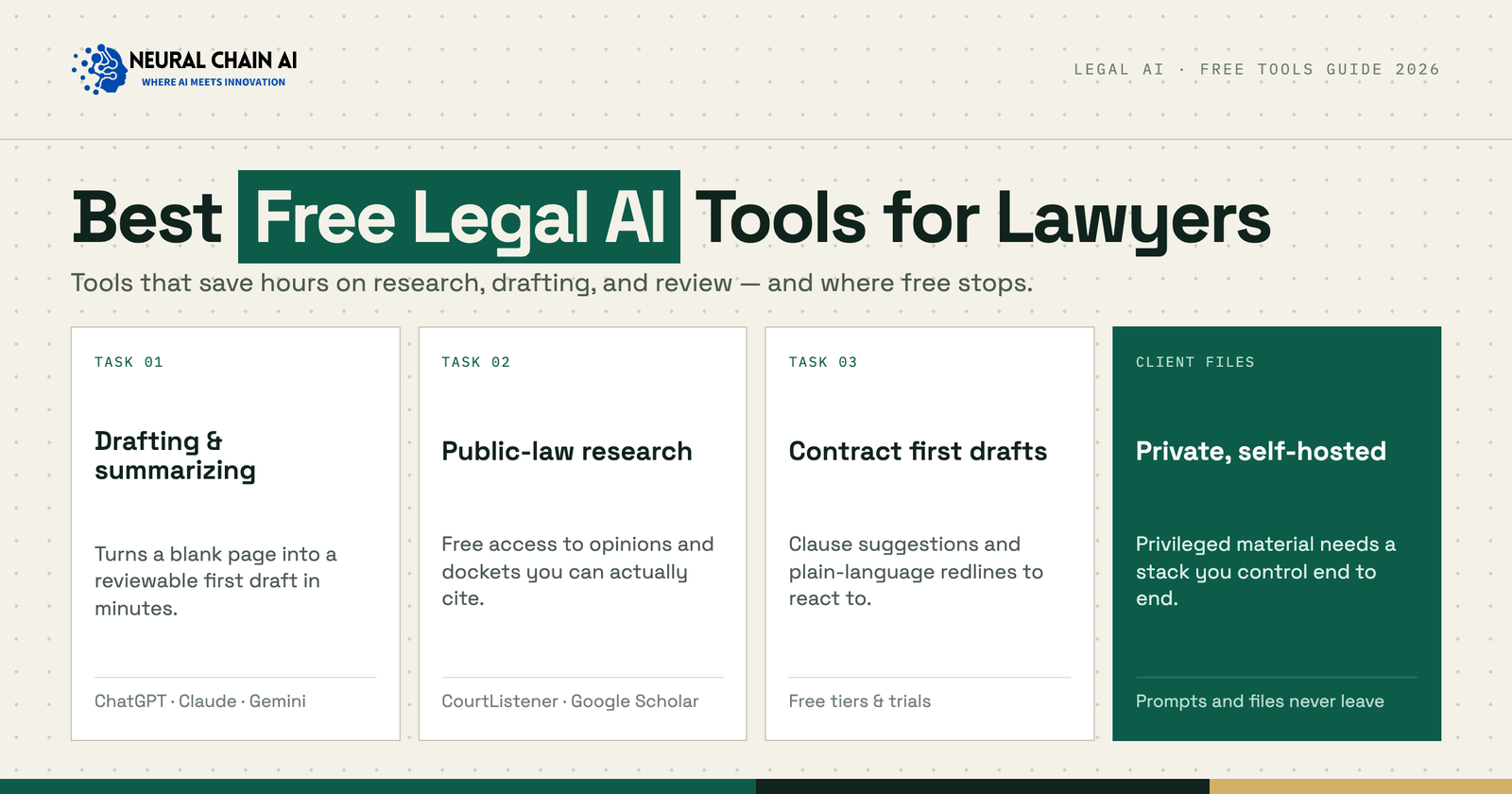
The best-known free options map cleanly to those tasks. The table shows what each is good for and, equally important, where your data goes.
| Task | Free tools | Data path |
|---|---|---|
| Drafting & summarizing | ChatGPT (free), Claude (free), Gemini | Vendor cloud |
| Legal research (public law) | CourtListener, Google Scholar | Vendor cloud |
| Contract first drafts | Free tiers/trials (e.g. Spellbook) | Vendor cloud |
| Document Q&A | Free AI assistants | Vendor cloud |
Useful as they are, free tools share one trait. They process your input on the vendor’s cloud, and some reserve the right to train on it. For public or hypothetical work that is fine; for client work, it is the whole problem.
Where free AI tools fall short
The limits matter as much as the capabilities, and they are why ‘free’ stops at the threshold of a real matter.
Confidentiality. Consumer tools are not built around the duty of confidentiality. Inputs may be stored, human-reviewed, or used to train the model, none of which is compatible with privileged client material.
Accuracy and hallucination. Free models state wrong answers with confidence and can fabricate citations, so every output needs independent verification before it reaches a filing or client advice.
No audit trail or access control. There is no record of who asked what and no way to limit access by matter, both of which a firm needs for defensibility and supervision.
The private, self-hosted alternative
For anything touching client or privileged material, the same tasks can run on a private, self-hosted stack, with the firm’s own models over its documents, inside its tenant, so prompts and files never leave. In practice that is an open-weight or licensed model paired with a retrieval layer over the firm’s files, behind the firm’s own log-in, with matter-based access controls and a full audit log.
That keeps the productivity of the free tools without the confidentiality trade-off the firm carries under ABA Opinion 512, since the duty to protect client information does not pause because a tool is convenient. For a fuller view of the options, see our companion guide to the best legal AI tools for lawyers and law firms.
How to move client work off free tools
Most firms do not flip a switch; they graduate to a private setup one workflow at a time.
Draw the line. Decide which tasks stay on free tools, such as public, hypothetical, or your own drafts, and which require a private setup because they involve client facts.
Set a usage policy. Give the team a short, written rule for what may and may not go into a consumer tool; it is the fastest way to prevent accidental disclosure.
Pilot one private workflow. Stand up a private deployment for a single high-volume task, such as drafting or document Q&A, prove the value, then expand from there.
Need AI on client-sensitive work, not just the free stuff?
Contact us about Private Legal AI →The bottom line
Free legal AI tools are great for non-confidential, low-stakes work, and a liability the moment client data is involved. Use them within their limits, and run client-sensitive work on a private stack. A short scoping conversation will map what to keep free and what to bring in-house.