
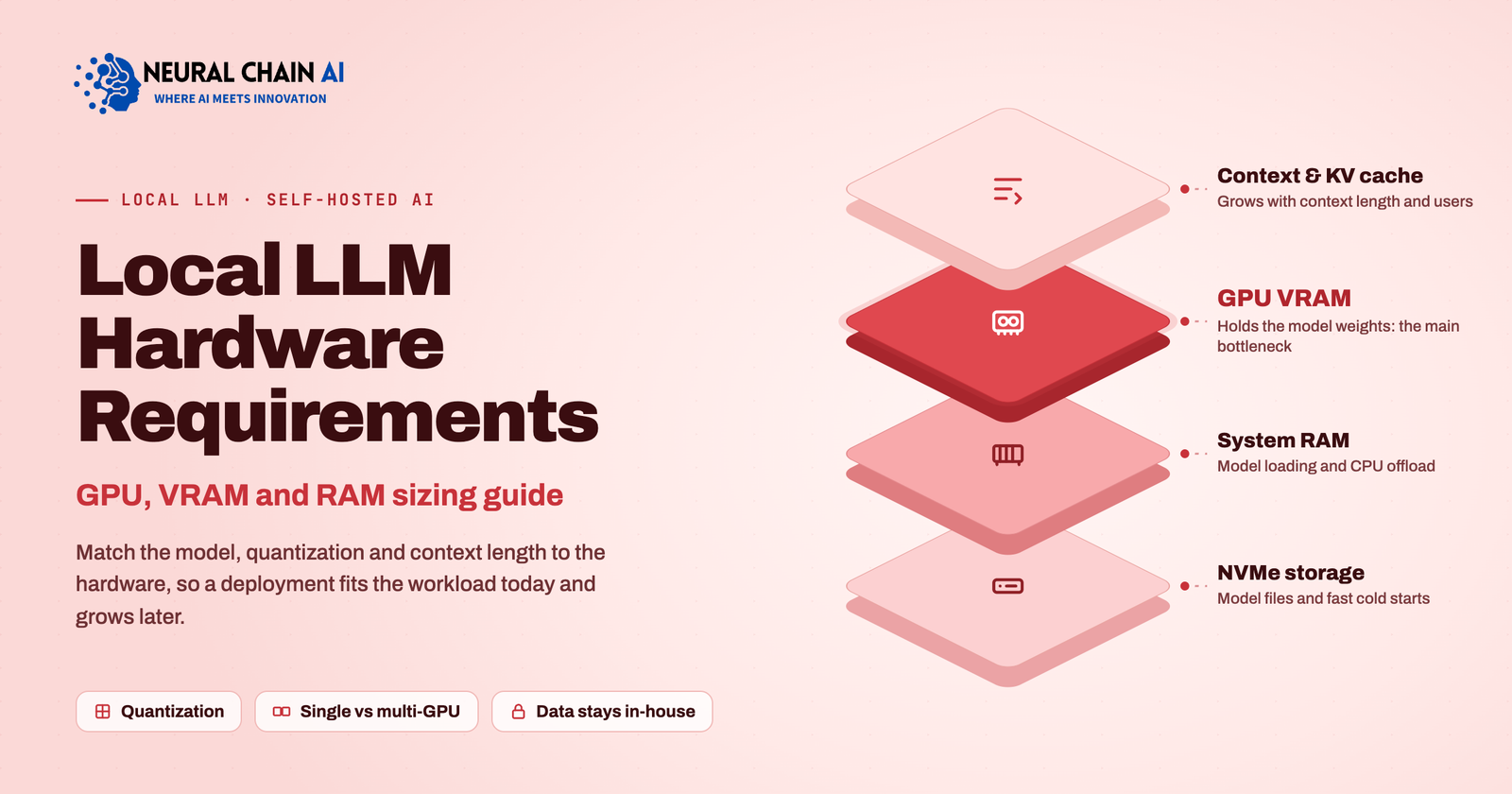
TL;DR: Local LLM hardware requirements come down to GPU VRAM that holds the model with its context window, system RAM for loading and CPU offload, plus fast storage for the model files. By the method below, a 7B–8B model at 4-bit needs about 6–7 GB for one user at 8,192 tokens, a 32B model about 21 GB and a 70B model about 43 GB, so they fit 8 GB, 24 GB and 48 GB cards. This guide covers each VRAM tier from 8 GB to 80 GB, the best GPU for each budget and how to plan RAM, storage and multi-GPU serving.
Why Local LLM Hardware Requirements Are Different From Cloud AI
When a business calls a hosted API, hardware sizing sits inside a per-token price. Running models on your own machine puts that decision with you, and the requirements are predictable once you know the model size, its precision and the context length and users you serve. GPU VRAM is the usual limit, system RAM matters for CPU offload and storage speed sets model load times.
How Much VRAM for Local LLM Inference: 8 GB to 80 GB Tiers
An LLM’s memory use is three parts added together. This guide uses the same method as our LLM VRAM calculator, so the figures on both pages agree:
- Weights = parameters × bytes per parameter: 2 bytes at FP16 or BF16, 1 at 8-bit and 0.5 at 4-bit.
- KV cache = 2 × layers × KV heads × head dimension × context length × 2 bytes × users, with each user filling the full context.
- Overhead = 10% of weights plus KV cache, plus 1 GB for activations and the inference server.
All figures are in GB, where 1 GB is 1,000,000,000 bytes, and layer counts, KV heads and head dimensions come from each model’s paper, model card or config.json. Llama 3.1 8B has 8.03 billion parameters and, per Meta’s Llama 3 paper, 32 layers with 8 KV heads of dimension 128, so it keeps 131,072 bytes of KV cache per token. At 4-bit with 8,192 tokens that is 4.0 GB of weights, 1.1 GB of KV cache and 1.5 GB of overhead, or 6.6 GB.
The table applies the method to one user at 8,192 tokens with an FP16 KV cache and lists the model sizes that first fit each tier. Example cards come from NVIDIA’s and AMD’s spec pages, checked November 20, 2026.
| VRAM tier | Example cards | Model sizes that fit at 4-bit | Model sizes that fit at FP16 | Context-length cost |
|---|---|---|---|---|
| 8 GB | GeForce RTX 5060 and the 8 GB RTX 5060 Ti | 7B–8B: Qwen2.5 7B (5.7 GB) to Qwen3 8B (6.8 GB) | None; the smallest, Mistral 7B v0.3, needs 18.1 GB | Llama 3.1 8B: KV cache of 1.1 GB at 8,192 tokens and 4.3 GB at 32,768 (10.1 GB total) |
| 12 GB | GeForce RTX 5070 | Up to 9B: Gemma 2 9B (9.2 GB) | Same as 8 GB | Qwen3 8B at 4-bit: 10.8 GB at 32,768 tokens, its native limit |
| 16 GB | GeForce RTX 5080, RTX 5070 Ti and 16 GB RTX 5060 Ti; AMD Radeon RX 9070 XT | Up to 9B with longer context; Gemma 2 27B needs 19.4 GB | Same as 8 GB | Llama 3.1 8B at 8-bit: 14.6 GB at 32,768 tokens |
| 24 GB | GeForce RTX 4090 | 27B–32B: Gemma 2 27B (19.4 GB), Qwen2.5 32B (21.2 GB) and Qwen3 32B (21.4 GB) | 7B–8B: Mistral 7B v0.3 (18.1 GB) to Qwen3 8B (20.4 GB) | Qwen2.5 32B at 4-bit: 28.3 GB at 32,768 tokens, so 32 GB |
| 32 GB | GeForce RTX 5090; AMD Radeon AI PRO R9700 | 27B–32B with 32,768 tokens: Qwen3 32B (28.5 GB) | Up to 9B: Gemma 2 9B (24.4 GB) | Qwen3 8B at FP16: 24.4 GB at 32,768 tokens, past 24 GB |
| 48 GB | NVIDIA L40S | 70B–72B: Llama 3.1 70B (42.8 GB) and Qwen2.5 72B (43.9 GB) | Up to 9B; Gemma 2 27B needs 64.3 GB | Llama 3.1 70B at 4-bit: 51.6 GB at 32,768 tokens or for four users at 8,192, so 80 GB |
| 80 GB | NVIDIA H100 SXM | Every size above; Llama 3.1 70B serves eight users at 8,192 tokens in 63.4 GB | 27B–32B: Gemma 2 27B (64.3 GB) to Qwen3 32B (75.5 GB) | Llama 3.1 70B at 4-bit: 87.0 GB for one user at 131,072 tokens, so two cards |
The KV cache is where context length shows up. It grows in a straight line with tokens and users, so four people at 8,192 tokens use the same memory as one person at 32,768. Qwen2.5 7B, with 4 KV heads, stores 57,344 bytes per token, while Gemma 2 9B stores 344,064. vLLM can hold the cache in FP8, which its documentation says “can significantly reduce its memory footprint.” Real 4-bit files also store scaling factors and use a little more than 0.5 bytes per parameter, so when an estimate sits close to a card’s limit, plan for the next tier up.
Best GPU for a Local LLM
The best GPU for local LLM work is the card whose memory holds your model, its context and your users with room to spare. Memory size decides which models load, and bandwidth decides how fast tokens come out, because each new token reads the weights from memory. The figures below are from NVIDIA’s and AMD’s spec pages, checked November 20, 2026. NVIDIA’s GeForce pages list memory and bus width without a bandwidth figure, and none of these pages lists a price, so this guide quotes none.
- Consumer cards, 8 GB to 32 GB. GeForce RTX 5060 (8 GB GDDR7, 128-bit), RTX 5070 (12 GB GDDR7, 192-bit), RTX 5070 Ti and RTX 5080 (16 GB GDDR7, 256-bit), RTX 4090 (24 GB GDDR6X, 384-bit) and RTX 5090 (32 GB GDDR7, 512-bit), plus AMD’s Radeon RX 9070 XT (16 GB GDDR6, up to 640 GB/s).
- Workstation cards, 32 GB to 96 GB. AMD’s Radeon AI PRO R9700 has 32 GB of GDDR6 at 640 GB/s. NVIDIA’s RTX PRO 6000 Blackwell Workstation Edition has 96 GB of GDDR7 with ECC at 1,792 GB/s, enough for Llama 3.1 70B at 8-bit (81.6 GB by the method above).
- Data-center GPUs, 48 GB to 288 GB. NVIDIA’s L40S has 48 GB of GDDR6 with ECC at 864 GB/s, the H100 SXM 80 GB at 3.35 TB/s, the H100 NVL 94 GB at 3.9 TB/s and the H200 141 GB at 4.8 TB/s. AMD’s Instinct MI300X has 192 GB of HBM3 at 5.3 TB/s and the MI355X 288 GB of HBM3E at 8 TB/s.
When one server answers a whole company, the best GPU for LLM serving has memory for every concurrent user’s KV cache on top of the weights, which points to data-center cards. Check the serving engine too: vLLM’s installation guide covers both NVIDIA CUDA and AMD ROCm GPUs.
AI Workstation Options for Local LLMs
An AI workstation puts enough GPU memory beside a desk to run, test and tune models with every prompt staying in the office. The best hardware for local LLM work is the smallest machine that holds your model, context and users with headroom. A tower with a 96 GB RTX PRO 6000 suits developers fine-tuning models, and a unified-memory desktop shares one memory pool between the CPU and GPU. When the assistant becomes a company-wide service, the model usually moves to a GPU server running vLLM, which our self-hosted vLLM deployment service sets up on your own infrastructure.
DGX Spark vs Mac Studio for Local LLMs
The DGX Spark vs Mac Studio choice comes down to memory size, bandwidth and software. Both run open models fully offline on a desk. NVIDIA’s DGX Spark page lists the GB10 Grace Blackwell Superchip with 128 GB of unified memory at 273 GB/s, models up to 200B parameters (400B with two linked units) and fine-tuning up to 70B, sold through the NVIDIA Marketplace and partners with no listed price. Apple’s Mac Studio specifications list the M5 Ultra at 96 GB to 512 GB of unified memory and 1.2 TB/s, and the M5 Max at 36 GB to 128 GB and 460 GB/s (614 GB/s with the 40-core GPU). Apple’s August 25, 2026 announcement prices them from $5,499 and $2,499 in the U.S.
On bandwidth, the M5 Ultra at 1.2 TB/s leads the DGX Spark at 273 GB/s, and Apple says it can load “the largest and most demanding frontier-class open-weight models available today.” The DGX Spark’s strength is the NVIDIA software stack: up to 1 petaFLOP of FP4 with sparsity and Ubuntu-based DGX OS with NIM, NeMo and PyTorch, the same tools a production GPU server runs. Choose the Mac Studio when memory size and bandwidth on one machine matter most, and the DGX Spark when your team builds for NVIDIA GPU servers or fine-tunes on the desk.
CPU, System RAM and Storage
CPU choice matters far less than GPU choice for inference, since the heavy computation runs on the GPU. System RAM comes into play with CPU offload: llama.cpp can run part of a model’s layers on the CPU when the model is larger than VRAM, and that needs RAM roughly equal to the offloaded portion plus room for the operating system. As a practical floor, 32 GB of system RAM suits 7B–13B work, and 64–128 GB gives headroom for larger models or offload.
Model files range from a few gigabytes to well over 100 GB for larger checkpoints. An NVMe SSD with several hundred gigabytes to a few terabytes free shortens every cold start and model switch for a team that keeps several models on hand.
Single GPU vs Multi-GPU Setups
A single GPU is the right start for any model that fits in its VRAM with room for context growth. A second card earns its place when the model is larger than one card holds, or when more users arrive than one GPU’s throughput covers. Choosing a GPU for LLM serving at that scale means planning the split. vLLM’s documentation says to use tensor parallelism, set with tensor_parallel_size, when a model is too large for a single GPU but fits on a single node with several. Llama 3.1 70B at FP16 needs 159.2 GB by the method above, so it takes at least two 80 GB H100 cards or one 192 GB Instinct MI300X.
Right-Sizing Hardware for Your Business
Size hardware for the model that fits the workload today, at the context length and user count it will serve. An 8B to 32B model at 4-bit handles many internal tasks, including support drafting, document Q&A, summarization and structured extraction, on one 8 GB to 32 GB card. Cloud GPU rentals suit a prototype before you buy, and owned hardware keeps prompts and documents on infrastructure you control once the workload is steady.
Our private, local Ollama deployment for business matches the model, precision and GPU to the workload for a pilot, and a private AI deployment on your own servers carries the same model into production.
Want your local LLM hardware sized for the model, context and users you plan to run? Try the LLM VRAM calculator, then book an AI strategy session to plan the GPU server for your private AI deployment.