A LeRobot dataset stores a pick and place demonstration as three synchronized parts: frame-by-frame Parquet rows holding joint states and actions, MP4 shards holding every camera view, and metadata that maps episode boundaries onto both. This guide covers what the v3.0 format contains, how to record episodes with lerobot-record, how many demonstrations a pick and place task needs, the storage and throughput numbers to plan against, and the quality gates to run before a single training step.
LeRobot has become the default recording format for low-cost manipulation research, and the training stacks followed. SmolVLA, GR00T, and OpenVLA fine-tuning all read LeRobot datasets, which means the recording decisions you make on day one set the ceiling for every policy you train afterward. Most published tutorials stop at the record command. The parts that determine whether the data trains a working policy come after it.
What a LeRobot Dataset Contains?
The format separates storage from the access API. Low-dimensional, high-frequency signals such as joint positions and actions go into Apache Parquet. Camera frames go into MP4 files grouped by camera. Metadata describes the schema, the frame rate, the task text, and where each episode starts and ends.
Loading a sample returns a dictionary of PyTorch tensors with keys including observation.state, action, observation.images.<camera_name>, and timestamp. The task text you type at record time becomes the language condition your policy trains against, so treat it as a schema field rather than a label. A dataset recorded with the task string “Grab the black cube” teaches a different conditioning signal than one recorded with “Pick the black cube and place it in the bin,” even when the demonstrations are identical.
The v3.0 Layout and What Changed From v2.1
Version 3.0 reorganized storage to handle datasets at Open X-Embodiment scale. The change matters for anyone recording more than a few hundred episodes.
| Aspect | v2.1 | v3.0 |
|---|---|---|
| Tabular data | One Parquet file per episode | Many episodes per Parquet shard under data/chunk-000/ |
| Video | One MP4 per episode per camera | Consolidated MP4 shards under videos/<camera>/chunk-000/ |
| Episode metadata | episodes.jsonl | Chunked Parquet under meta/episodes/ |
| Task definitions | tasks.jsonl | meta/tasks.parquet |
| Episode boundaries | Resolved by filename | Resolved through metadata offsets |
| Hub access | Download then load | StreamingLeRobotDataset iterates without local copies |
LeRobotDataset v3.0 ships in lerobot 0.4.0 and later. The practical benefit is file system pressure: a 5,000-episode dataset under v2.1 produced tens of thousands of small files, which slowed initialization and broke on some cluster filesystems. Fewer, larger shards fix that.
Recording Pick and Place Episodes With lerobot-record
Calibrate before the first session, and reuse the same robot.id across teleoperation, recording, and evaluation, since the identifier controls which calibration file loads. A representative SO-101 recording command:
lerobot-record \
  --robot.type=so101_follower \
  --robot.port=/dev/ttyACM0 \
  --robot.id=follower_arm \
  --robot.cameras="{ front: {type: opencv, index_or_path: 0, width: 640, height: 480, fps: 30}, wrist: {type: opencv, index_or_path: 1, width: 640, height: 480, fps: 30} }" \
  --teleop.type=so101_leader \
  --teleop.port=/dev/ttyACM1 \
  --teleop.id=leader_arm \
  --dataset.repo_id=${HF_USER}/pick_place_bin \
  --dataset.single_task="Pick the red cube and place it in the bin" \
  --dataset.num_episodes=50 \
  --dataset.episode_time_s=30 \
  --dataset.reset_time_s=15 \
  --display_data=true
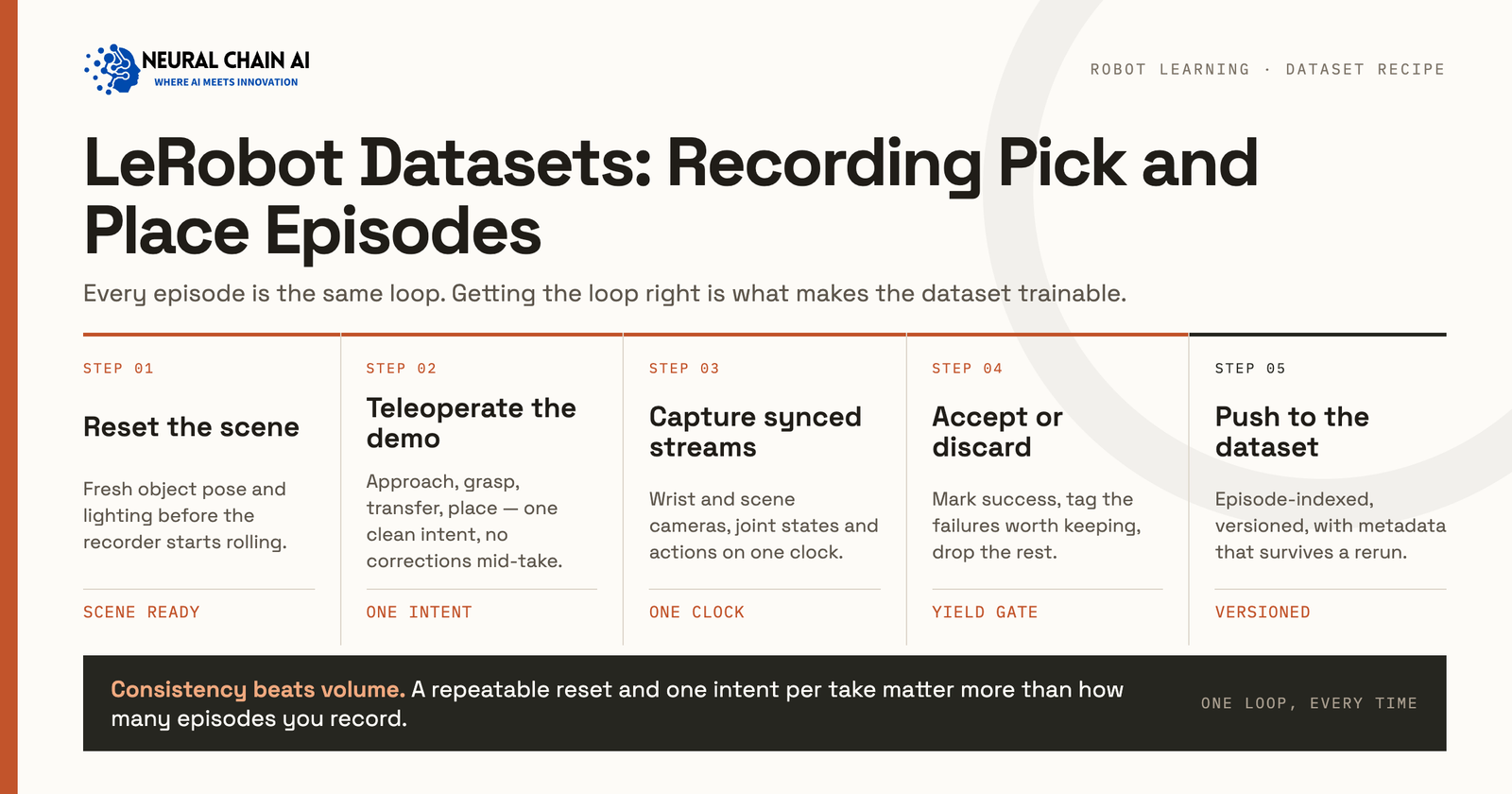
Three keys control the session while it runs. Right arrow (or n) ends the current episode early and saves it. Left arrow (or r) discards and re-records the episode. Escape (or q) stops the session. On Wayland, headless machines, or macOS without accessibility permission, these read from the terminal instead of a global keyboard hook, so keep the launching terminal focused.
The re-record key does more work than any other setting. A demonstration where the gripper fumbles and the operator recovers teaches recovery behavior, which is valuable. A demonstration where the operator loses the object entirely and gives up teaches the policy to give up. Learn to tell those apart in the moment and press left arrow on the second kind.
Recording Flags That Change Dataset Quality
| Flag | Controls | Setting for pick and place |
|---|---|---|
--dataset.single_task | Language conditioning text | Full verb phrase naming object and destination |
--dataset.fps | Sampling rate for state and video | 30, matching the camera fps |
--dataset.episode_time_s | Maximum episode duration | Roughly double your median demonstration |
--dataset.reset_time_s | Pause between episodes for scene reset | Long enough to reposition objects deliberately |
--robot.cameras | Which views enter the dataset | Wrist plus one third-person view minimum |
--dataset.streaming_encoding | Video encoding during capture | true, when frame rate drifts under load |
The camera choice is the one that cannot be fixed later. A wrist camera gives the policy the close-range visual feedback that grasping depends on, and a third-person view gives it scene context for locating the target. Community SO-101 pick and place sets commonly record three views: front, wrist, and top.
How Many Episodes a Pick and Place Task Needs?
Published work gives usable anchors. The LeRobot learning materials and community quickstarts converge on 50 demonstrations as a first real-robot task target. A recent dataset diversity study recorded 50 demonstrations for a pick and place marker task and 100 for multi-stage tasks such as opening a drawer and placing an object inside it, all collected by a single experienced teleoperator.
Episode length matters as much as count. Work on the NanoVLA policy reports SO-101 pick and place episodes running 9 to 18 seconds depending on task complexity, which at 30 Hz control frequency gives 300 to 600 timesteps per episode. Fifty episodes at that length produces roughly 15,000 to 30,000 training frames for one task.
Scale the number of task variants rather than piling more repetitions onto a single variant. Fifty episodes across five object positions generalize further than two hundred episodes from one fixed starting pose.
Designing Variation Into the Episode Set
Decide what varies before recording, and hold out some of the variation for evaluation. The diversity study cited above sampled object and target positions from a fixed set of seven locations and reserved two locations that never appeared during recording, which gives a clean measure of whether the policy generalized or memorized.
A workable variation plan for a warehouse pick and place task covers object start position, target container position, lighting, distractor objects in the scene, and operator. Vary one axis at a time within a recording session so you can attribute a later failure to a specific gap. Record a few deliberate failure and recovery episodes as well, and keep them labeled, because a dataset containing only clean successes teaches a policy nothing about what to do when a grasp slips.
Single Task or Multi Task: How to Split the Recording?
The --dataset.single_task flag names one task for the whole recording session, and each distinct task string becomes its own task index in meta/tasks.parquet. That gives you two structuring choices, and the right one depends on what you plan to train.
Record separate datasets per task when the tasks share no objects or workspace, when you want to evaluate each independently, or when different operators handle different tasks. Record one dataset spanning several task strings when you are fine-tuning a language-conditioned policy and want the model to learn which instruction maps to which behavior. VLA fine-tuning generally benefits from the second shape, since the language conditioning is the thing you are training.
Keep task strings mechanically consistent whichever you choose. “Pick the red cube and place it in the bin” and “pick the red cube and place it in the bin” register as two tasks, split your data across two indices, and weaken both. Write the string once, store it in a shell variable, and reuse it across every session for that task.
Storage and Throughput Planning
| Quantity | Reference figure |
|---|---|
| Multi-camera recording at 30 fps | Around 1 GB per 10 minutes of capture |
| Timesteps per pick and place episode | 300 to 600 at 30 Hz |
| Wall-clock per episode including reset | Demonstration time plus the reset window you set |
| Hub upload | Runs after all episodes finish, not per episode |
Two operational notes follow from that upload behavior. Record in batched sessions of a size you can afford to lose, and confirm disk headroom before a long session rather than during one. When you write a dataset through the Python API instead of the CLI, call dataset.finalize() to close the Parquet writers properly, or the metadata will not match the shards.
Quality Gates to Run Before Training
The MolmoAct2 team published a filtering pipeline worth copying. Building a training corpus from 1,222 public LeRobot datasets contributed by 377 users, they applied four stages: structural validity checks for required schema fields, valid action and state tensors, and absence of NaN or corrupt samples; removal of evaluation-style datasets; license and codebase eligibility checks; and a final automated quality gate scored against human-audited reference datasets. The filtered result held 38,059 episodes, 19.8 million frames, and roughly 184 hours of interaction.
Run the equivalent on your own data before you train:
- Confirm every episode carries the full feature schema and no NaN values in the state or action tensors.
- Check episode length distribution and inspect anything far outside your median, since outliers are usually a mis-stopped recording.
- Play back a random sample with the dataset visualizer and watch the wrist view specifically.
- Verify the task string is identical across episodes intended as one task, since a typo creates a second task index.
- Separate evaluation episodes from training episodes at the dataset level rather than by convention.
Add an operator consistency check when more than one person records. Two teleoperators solving the same task at different speeds, or approaching the object from different angles, produce a bimodal action distribution that slows convergence and can push the policy toward averaging between two valid strategies. Either standardize the approach in a short written protocol before recording, or record enough episodes per operator that the policy sees each strategy as a complete mode rather than as noise.
Loading and Streaming for Training
The dataset object returns PyTorch tensors and drops into a standard DataLoader. The delta_timestamps argument requests temporal windows in seconds relative to the current frame, which is how you feed frame stacks to policies that condition on recent history. For large corpora, StreamingLeRobotDataset iterates directly from the Hub without materializing a local copy, which removes the download step from cluster training jobs.
Because LeRobot wraps several training pipelines, the same recorded dataset feeds SmolVLA, GR00T, and OpenVLA fine-tuning without conversion. Isaac Lab can also record LeRobot-format episodes in simulation using the same SO-101 embodiment, so sim and real data land in one format for co-training.
Migrating v2.1 Datasets to v3.0
Existing datasets convert with the bundled script, which aggregates per-episode Parquet and MP4 files into shards and writes the episode offsets into the new metadata:
python -m lerobot.scripts.convert_dataset_v21_to_v30 \
  --repo-id=${HF_USER}/pick_place_bin
Verify episode count and total frame count on both sides before deleting the original. If you buy episodes from a vendor, ask which version they write, since a v2.1 delivery in 2026 means a conversion step you did not price.
Recording Your Own Episodes Versus Buying Them
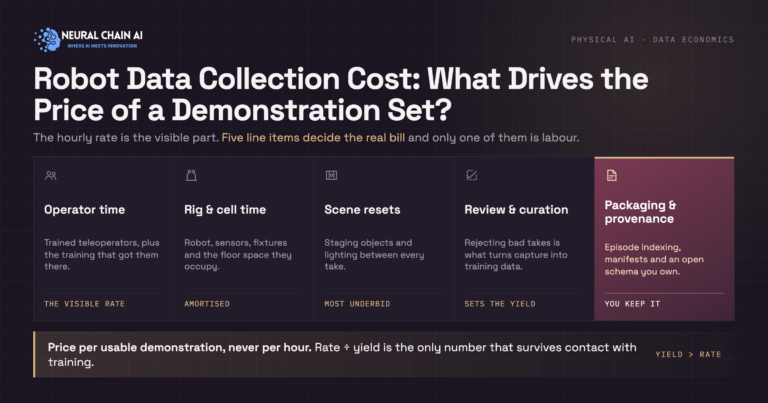
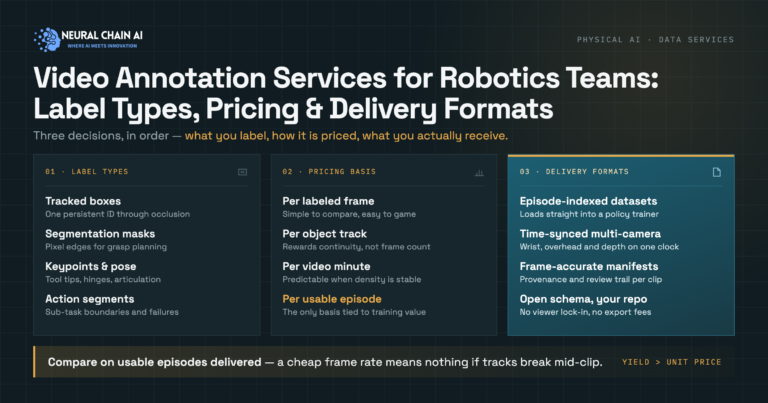
Recording in-house makes sense when the task is specific to your cell, the objects are yours, and one operator can cover the variation you need in a few sessions. Buying episodes makes sense when you need operator diversity, scene diversity across sites, or sensor modalities your rig does not carry. Our breakdown of what 1,000 demonstrations costs covers the pricing side, and the companion piece on video annotation for robotics teams covers what labeling adds on top of raw capture.
NeuralChainAI delivers LeRobot-ready episode sets through our embodied AI training data practice, and runs multi-site capture programs through robot data collection services.
Planning a pick and place dataset and unsure how many episodes or which camera setup to commit to? Talk to our team about physical AI and robotics consulting and development, and we will size the recording plan against the policy you intend to train.