
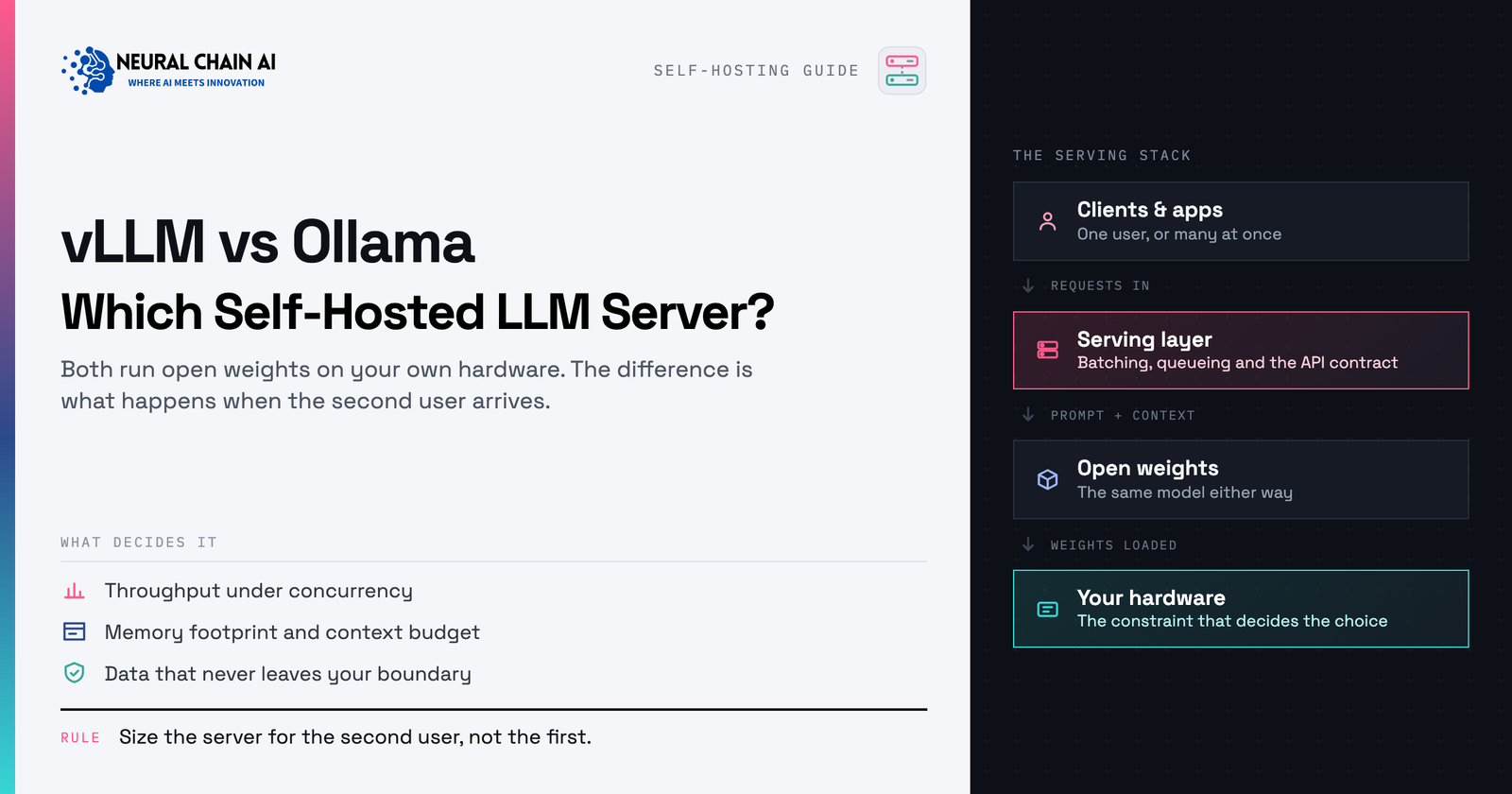
TL;DR: The vLLM vs Ollama choice comes down to which stage of deployment you’re in, not which tool is better. Ollama is built for fast, single-user or small-team local inference on a desktop or workstation; vLLM is built for high-concurrency production serving with continuous batching and PagedAttention. This guide covers what each tool is for, the concrete signs you’ve outgrown Ollama, the other Ollama alternatives worth knowing about, and how to move to a production self-hosted LLM server without rewriting your applications.
vLLM vs Ollama: What Each Tool Is For
Both tools can load an open-weight model and expose an OpenAI-compatible API. That surface-level similarity is why the comparison gets confusing. The two projects were built to solve different problems, and most of the “which is better” debate disappears once you’re clear on which problem you have.
Ollama: local-first simplicity
Ollama packages model download, quantization format, and a simple runtime into one command. It runs comfortably on a laptop, a single workstation, or a small on-prem box, and it’s the fastest way for a developer or a small team to get a model answering questions with almost no setup. That simplicity is deliberate. Ollama optimizes for time-to-first-answer, not for serving hundreds of simultaneous requests.
vLLM: throughput-first production serving
vLLM is a serving engine built specifically to keep GPUs busy under real concurrent load. It exposes the same kind of OpenAI-compatible API, either by running it directly (vllm serve) or through the official Docker image, but everything under the hood is oriented around squeezing maximum throughput and minimum latency out of expensive GPU hardware serving many users at once.
The Technology Behind vLLM’s Throughput
Two ideas explain most of the gap between the two tools under load, and two more extend it further:
PagedAttention
Manages the key-value cache in fixed-size, non-contiguous blocks, similar to how an operating system pages virtual memory. This removes the fragmentation that limits how many conversations fit in GPU memory.
Continuous batching
Schedules work at the level of individual decoding steps. New requests join the running batch as soon as GPU capacity frees up, instead of waiting for a batch to finish.
Prefix caching
Reuses the already-computed key-value cache for any shared prompt prefix, which helps when requests share a long system prompt or the same retrieved context.
Speculative decoding
Uses a small draft model to propose several tokens that the larger model verifies in one pass, which cuts latency further on supported setups.
The practical result shows up in production. On identical hardware, vLLM commonly handles several times the concurrent request throughput of Ollama, a gap that barely matters with one user and matters enormously with fifty. None of this matters much at low concurrency, which is why Ollama feels as responsive as vLLM when you’re the only person using it. The gap only opens up once real concurrent load arrives.
The Graduation Checklist: Signs You’ve Outgrown Ollama
These signs point to one shift, from one person testing an idea to a system other people depend on:
- More than a handful of people or applications hit the same model at once, and you notice requests queueing or slowing down.
- You have a latency service level objective, say responses need to start streaming within a couple of seconds, and it starts slipping as concurrency rises.
- You need one model to serve multiple internal applications simultaneously (a chatbot, a retrieval-augmented pipeline, a batch summarization job) without one starving the others.
- You’re running server-grade GPUs and realize Ollama is leaving most of that VRAM and compute idle.
- You need production controls that Ollama doesn’t target: tensor parallelism across multiple GPUs, speculative decoding, or serving several fine-tuned adapters off one base model.
- Uptime now matters enough that you need health checks, metrics, and load balancing behind the endpoint, not a process running on someone’s workstation.
Ollama Alternatives for Production Serving
vLLM is the most common answer when teams start looking at Ollama alternatives that hold up under real traffic, but it is not the only one. Which self-hosted LLM server suits you depends on your GPUs and how much operational complexity you want to take on.
- vLLM. The default for most teams. Broad model support, continuous batching, and a mature OpenAI-compatible server.
- SGLang. Strong on structured output and complex prompt programs, with aggressive prefix caching for workloads that share long contexts.
- TensorRT-LLM. The fastest option on NVIDIA hardware if you are willing to compile per-model engines and stay inside the NVIDIA stack.
- Hugging Face TGI. A reasonable middle ground with sensible defaults, though vLLM has taken most of its mindshare.
- llama.cpp server. Worth a look for CPU-only or mixed CPU and GPU serving, or when you are deploying to constrained hardware.
For a head-to-head on the production engines, see our comparison of vLLM, SGLang, and TensorRT-LLM. If you are still choosing a desktop tool rather than a server, Ollama vs LM Studio vs GPT4All covers that side of the decision.
The Migration Path From Ollama to vLLM
The migration is more contained than it sounds, mainly because both tools speak the same OpenAI-compatible API. In most cases, application code needs a base URL and model name change, not a rewrite. A practical sequence:
- Confirm the model you standardized on in Ollama has a compatible checkpoint available for vLLM (most popular open model families do).
- Pick a quantization format (AWQ, GPTQ, or FP8, depending on your GPUs) sized to fit your production hardware with headroom for concurrent requests.
- Stand up vLLM alongside your existing Ollama instance, behind a staging endpoint, rather than replacing it immediately.
- Replay real prompts and traffic patterns against both, and compare latency, output quality, and throughput under realistic concurrency.
- Cut the application’s base URL over to vLLM once you’re satisfied, and decide whether to keep Ollama running for development and prototyping.
Most mid-market teams end up running both, permanently, for different jobs: Ollama on developer laptops for fast iteration, vLLM in production for everything real users touch.
Running a Private, Self-Hosted LLM Server at Scale
Graduating to vLLM doesn’t mean giving up the privacy guarantees that made local models attractive. A properly built self-hosted LLM server still runs entirely inside your own VPC or on your own hardware. You trade a single desktop process for a properly engineered service, not control of your data for a vendor’s API.
Our self-hosted vLLM deployment and inference serving engagements handle exactly this jump: sizing GPUs correctly, containerizing the server, adding authentication and observability, and load-testing it against your real traffic before it ever reaches production. If you’re still deciding whether vLLM is even the right next step, our private, on-premise AI overview lays out the full range of options between a single laptop and a multi-GPU cluster, so you can see where your business sits before committing to hardware.
Ready to move your local LLM into production serving?
Book an AI strategy session →Which One Should You Run?
Run Ollama while you prototype and iterate, then move to vLLM once concurrency, latency SLOs, or idle GPU capacity show the workload has become production traffic. Both stay fully self-hosted, so the move upgrades your infrastructure without changing who controls your data.